Plugin
Aabcore CDN Cache
Stable tag: 1.0.2
Download Plugin
Free Cloudflare CDN Documentation
Free Cloudflare CDN
How do I configure free Cloudflare CDN ?
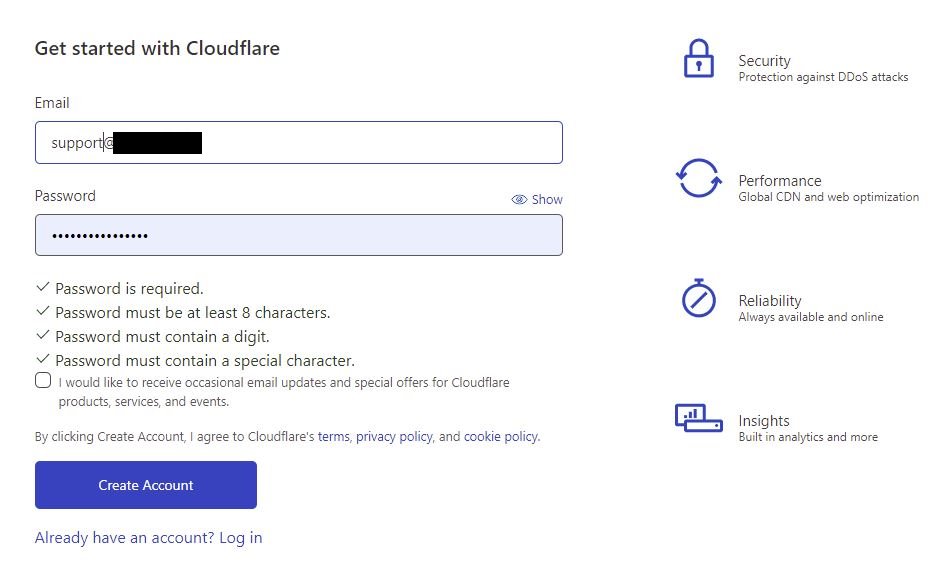
Login Cloudflare account and then click Add site.
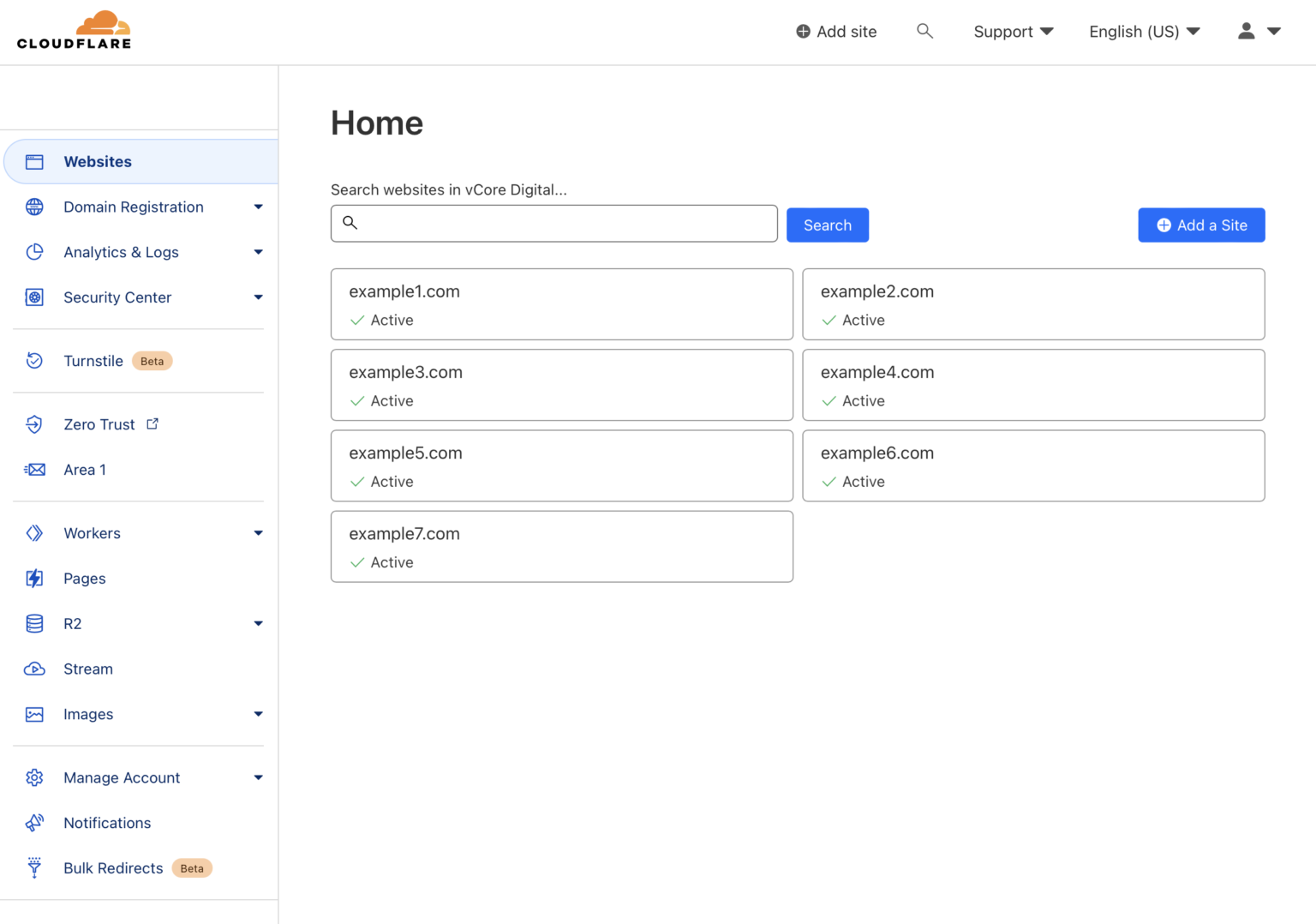
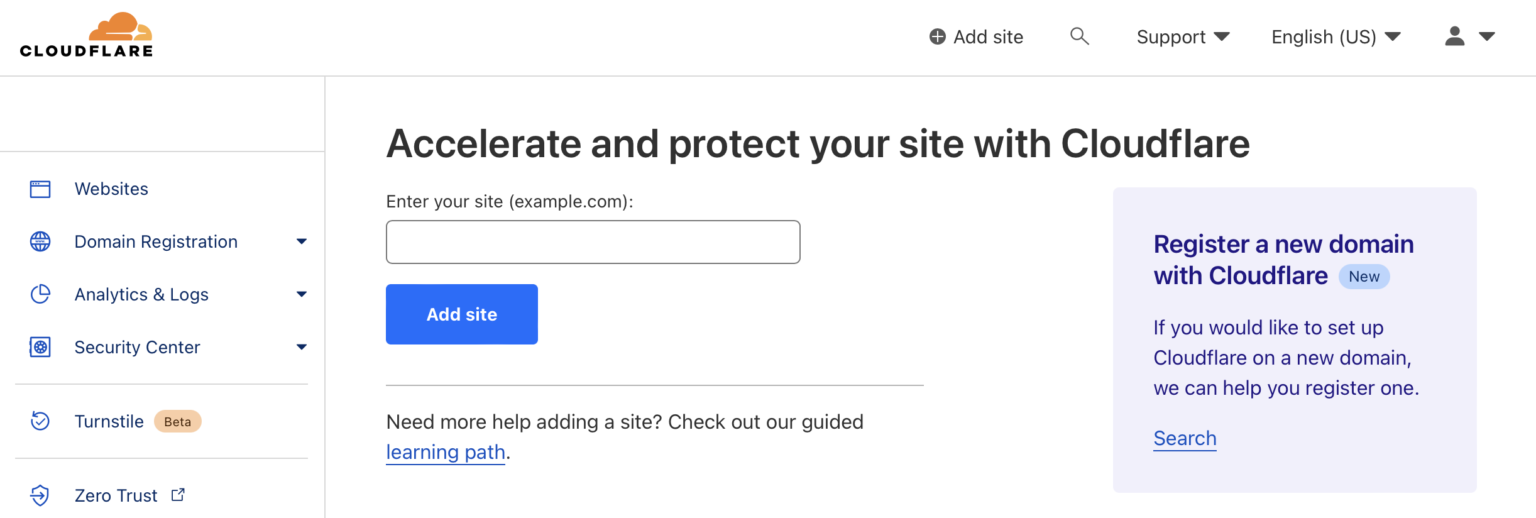
Click “Add site”, which should bring you to the next screen :
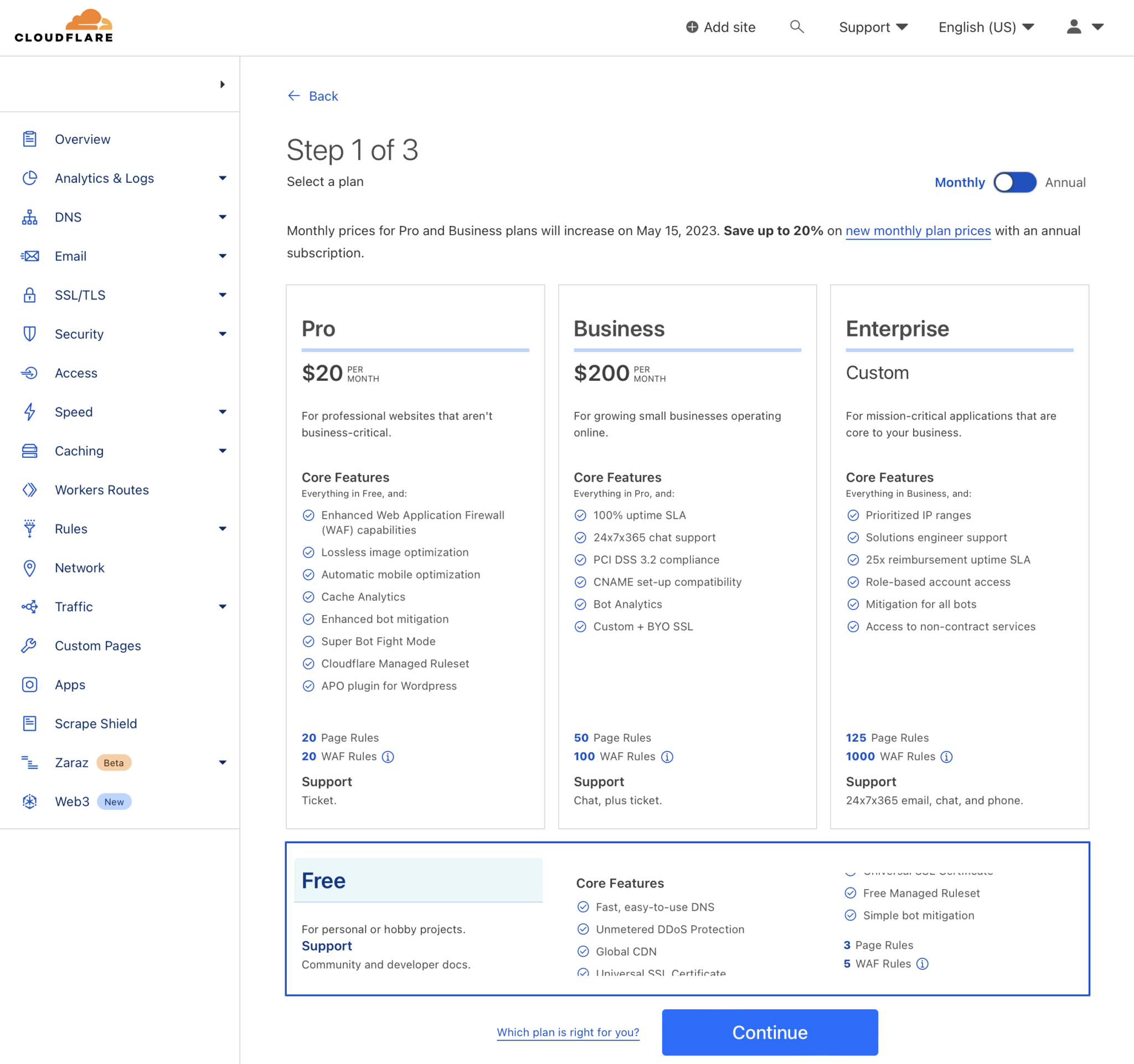
Checking Your Domain’s DNS Records.
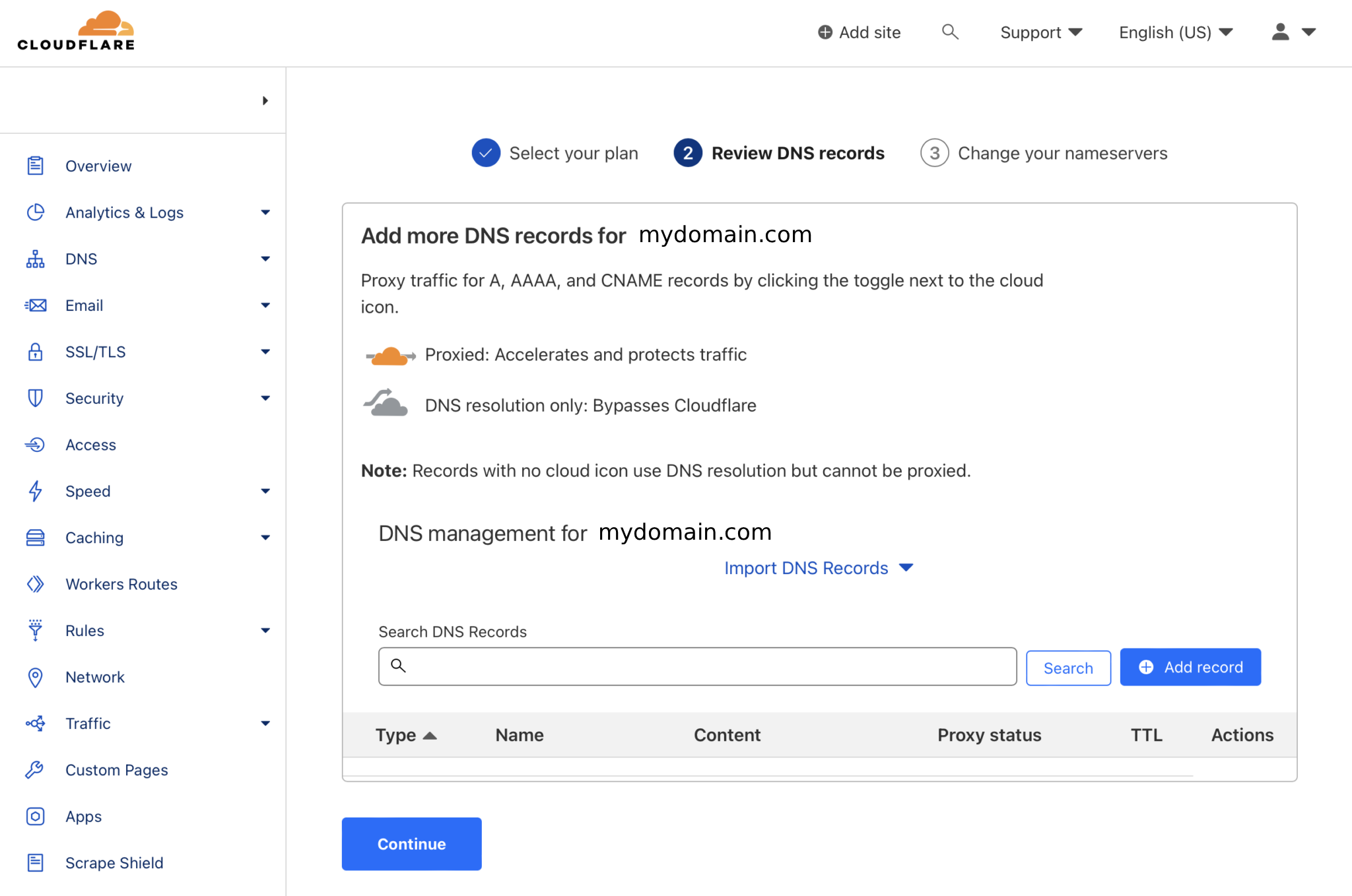
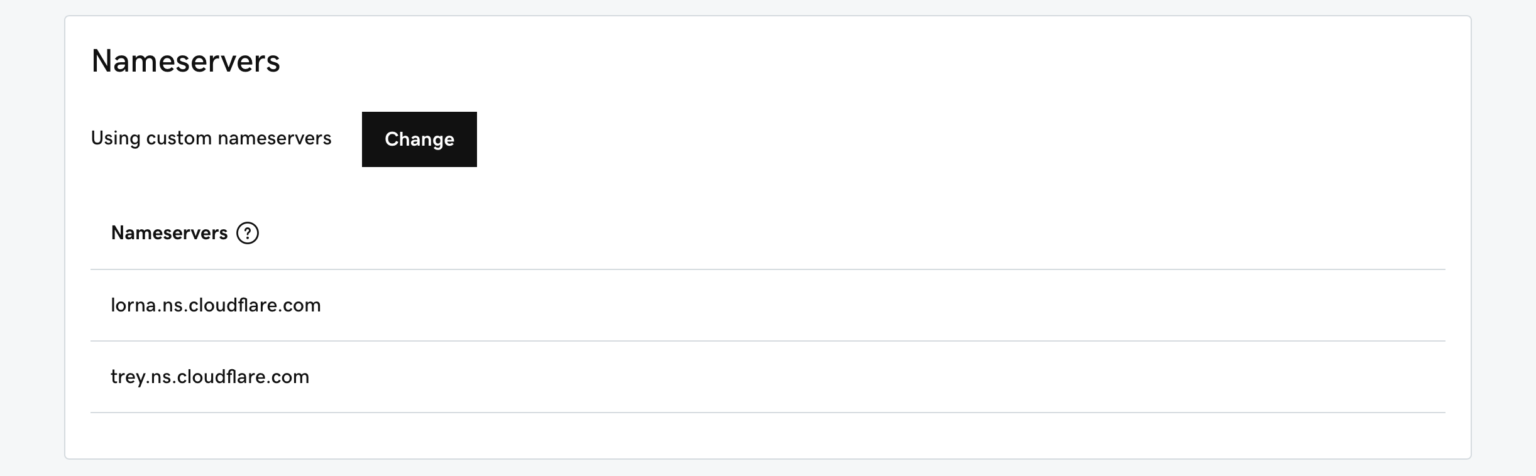
Cloudflare will direct you to change your nameservers. Copy both Cloudflare nameservers and head to your domain name registrar.
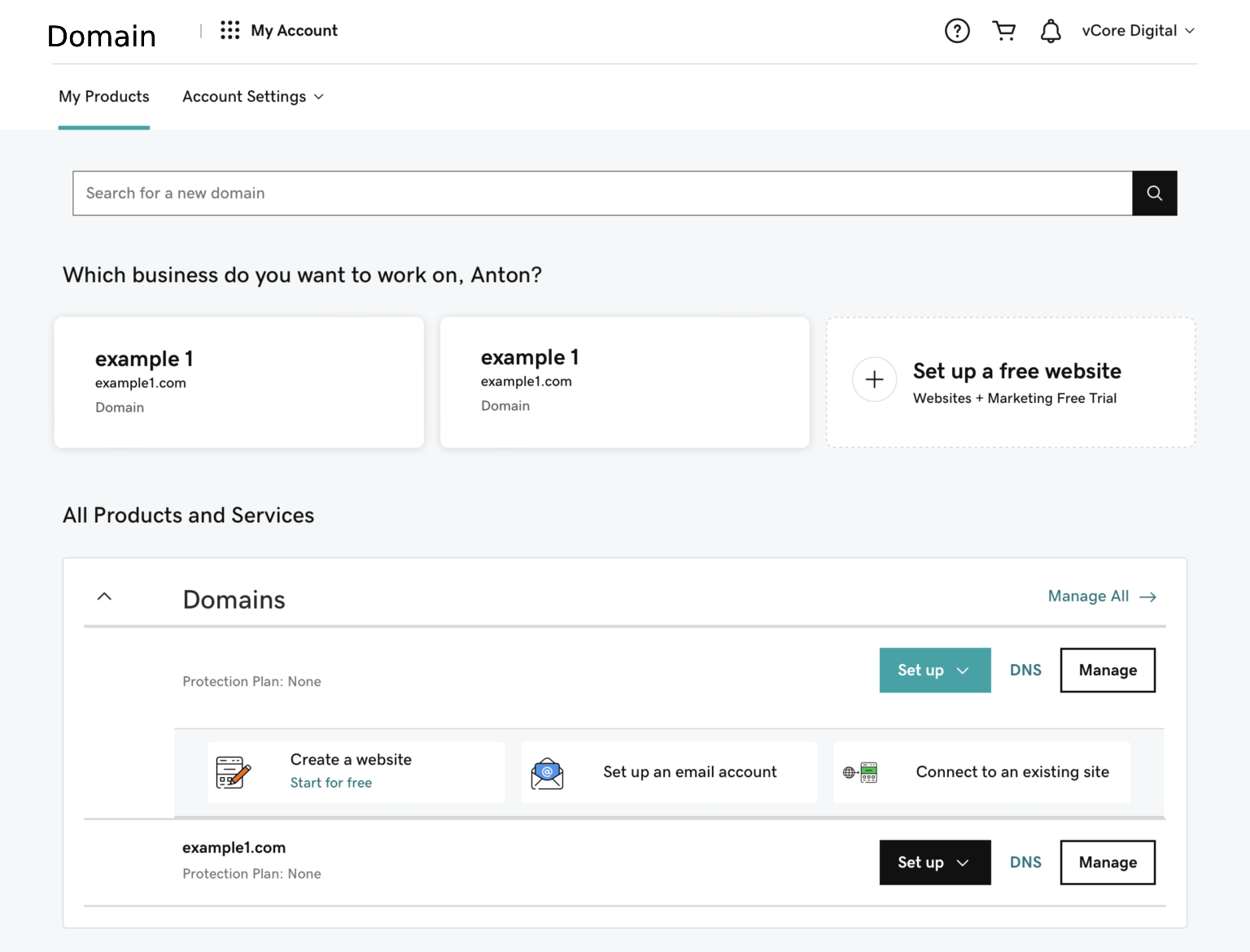
Copy and paste Cloudflare’s nameservers in the first two fields and click Save to finalize the process.
On the Profile page, select “API Key” and “Zone ID” in the left right side menu, and it should bring you to a screen that looks something like this:
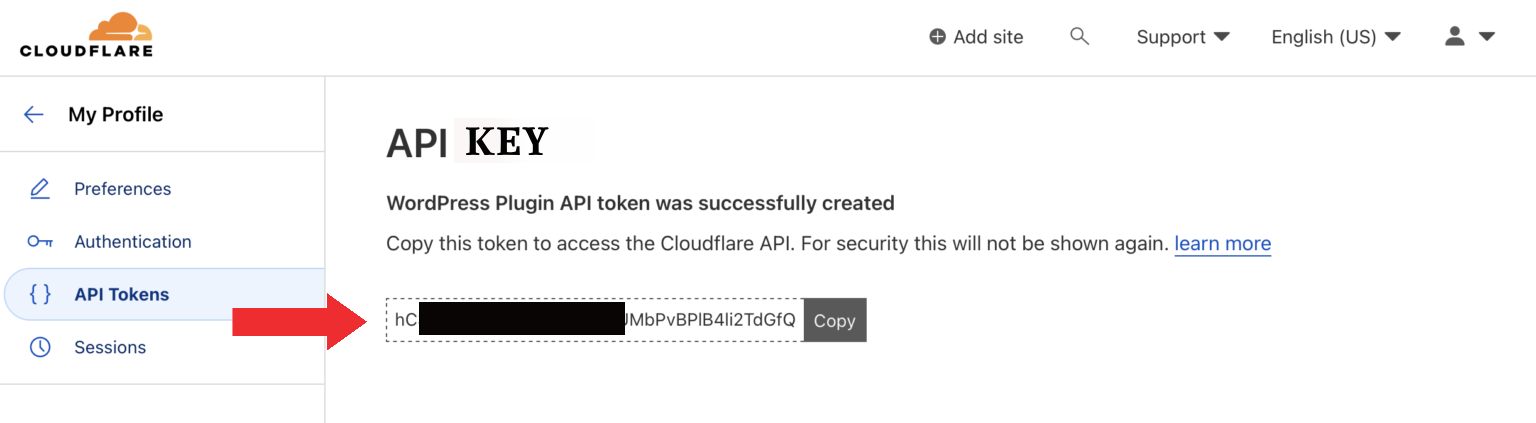
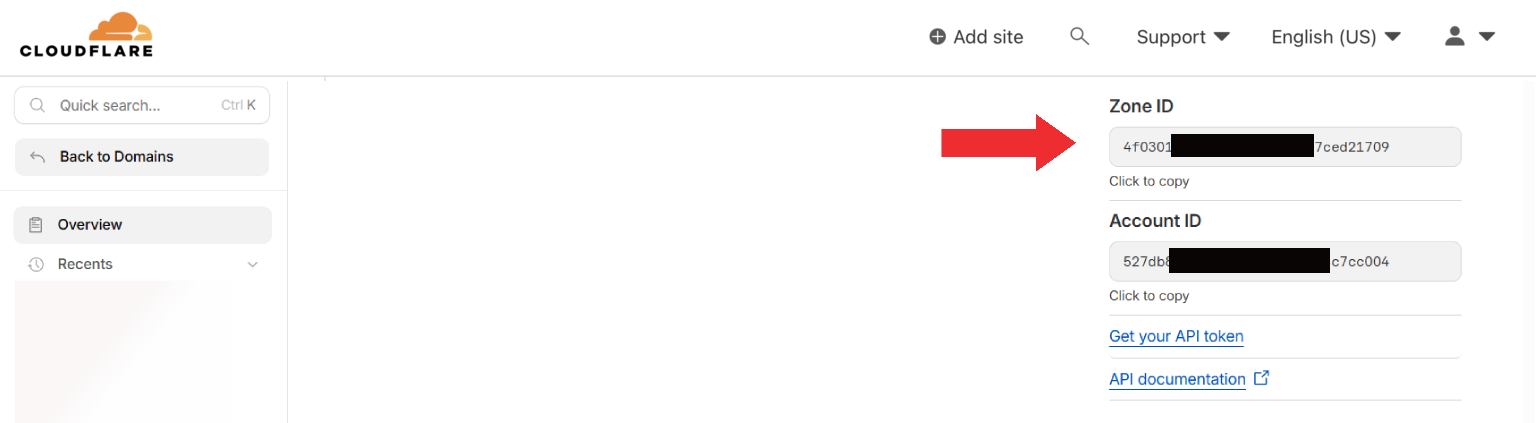
Copy and save “API Key” and “Zone ID” to configure Cloudflare free CDN.